Setup
True-Size Targets: How to Scale Dry Fire Targets on a TV or Projector
By Matt Burkett · Published · Updated · 3 min read
Short answer
On-screen size = real target size × your viewing distance ÷ the distance you're simulating, all in the same units. A 12-inch steel plate at 10 yards, viewed from 10 feet, should be 4.0 inches wide on your screen. Get this right and every rep matches the sight picture you'll see at the range.
Key takeaways
- Your sight picture depends on how big the target looks from where you stand, not its absolute size.
- Formula: on-screen size = real size × viewing distance ÷ simulated distance.
- Measure viewing distance from your eyes to the screen, in the same units as the simulated distance.
- Check it with a ruler held against the screen.
- REPS does this automatically and shows an actual-size preview.
Why does target size matter in dry fire?
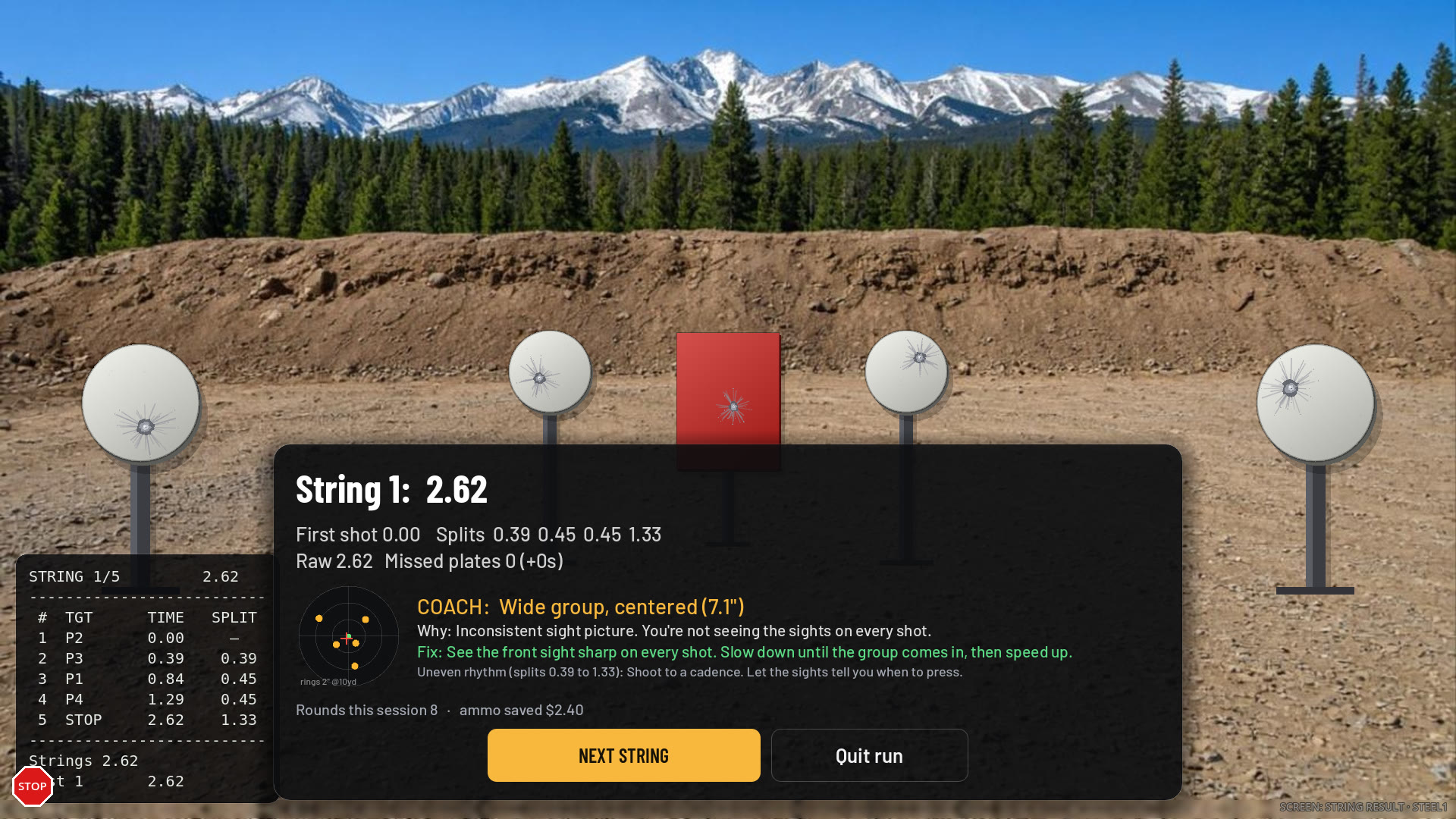
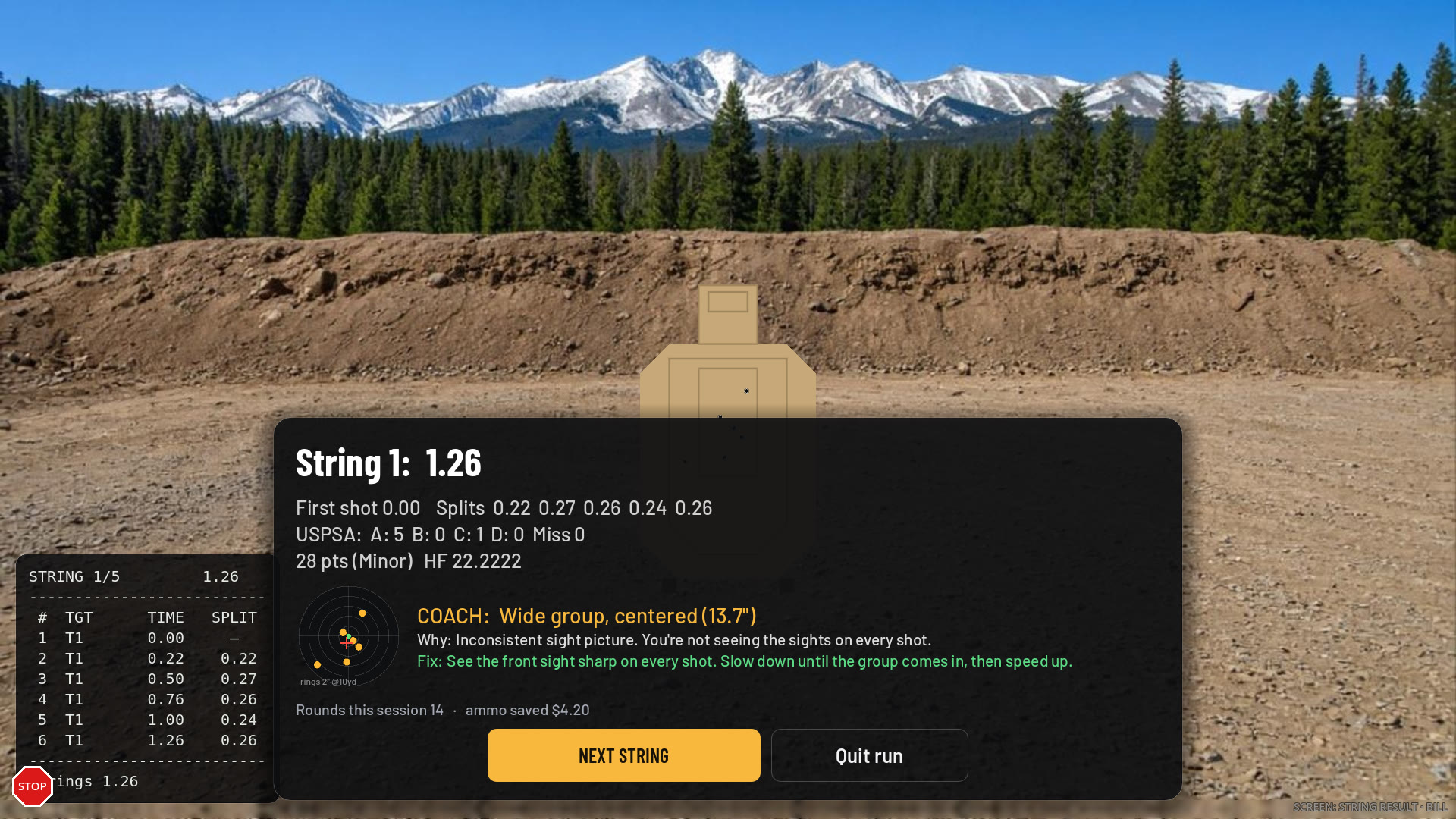
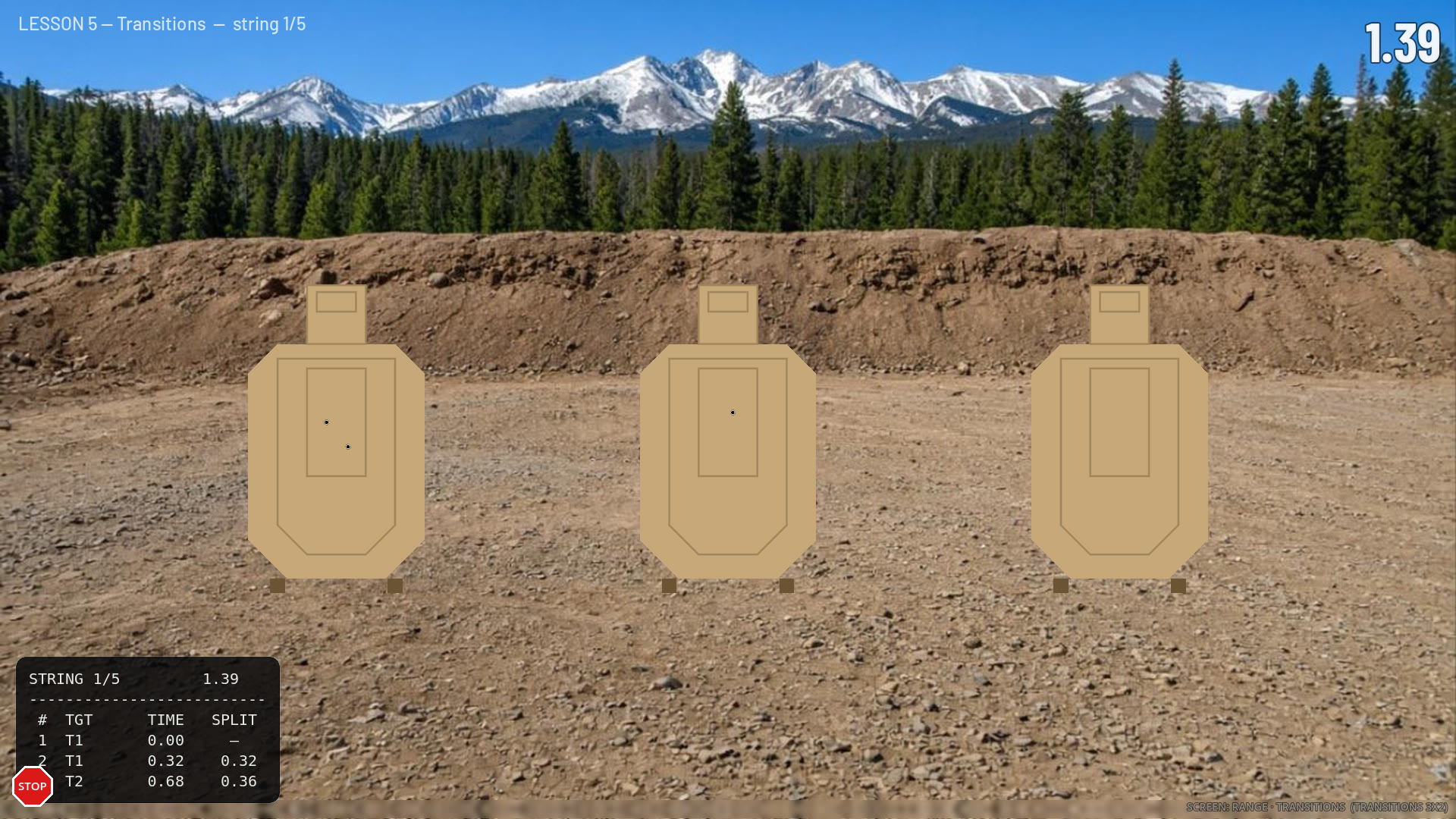
Your sight picture is about angular size: how much of your view the target fills. A 12-inch plate at 10 yards fills a certain amount of space behind your front sight. Shoot a plate that's too big on screen and every rep is easier than the match. Too small and you're training a sight picture you'll never see.
What's the formula for true-size targets?
On-screen size = real target size × viewing distance ÷ simulated distance
Use the same units for both distances. Easiest is inches: 1 yard = 36 inches, 1 foot = 12 inches.
Example: a 12-inch plate at 10 yards, with you standing 10 feet from the screen.
- Viewing distance: 10 ft = 120 in
- Simulated distance: 10 yd = 360 in
- On-screen size: 12 × 120 ÷ 360 = 4.0 inches
Quick table: on-screen target sizes
Width on screen, in inches, by how far you stand from the screen.
| Target | Simulated distance | 8 ft away | 10 ft away | 12 ft away |
|---|---|---|---|---|
| 12 in steel plate | 10 yd | 3.2 in | 4.0 in | 4.8 in |
| 10 in steel plate | 15 yd | 1.8 in | 2.2 in | 2.7 in |
| 18 in wide stop plate (18×24) | 15 yd | 3.2 in | 4.0 in | 4.8 in |
| USPSA target (18 in wide) | 10 yd | 4.8 in | 6.0 in | 7.2 in |
| IDPA -0 zone (8 in circle) | 7 yd | 3.0 in | 3.8 in | 4.6 in |
| 12 in steel plate | 25 yd | 1.3 in | 1.6 in | 1.9 in |
How do you convert inches to pixels?
Software draws in pixels, so it needs your screen's pixel density (PPI):
PPI = √(horizontal pixels² + vertical pixels²) ÷ screen diagonal in inches
- 65-inch 4K TV (3840×2160): about 67.8 PPI, so a 4.0-inch plate is about 271 pixels wide.
- 65-inch 1080p TV (1920×1080): about 33.9 PPI, so the same plate is about 136 pixels wide.
On a projector, measure the actual projected image width and use that instead of a diagonal.
How do you check your setup?
- Measure from your eyes, in your shooting position, to the screen.
- Enter your screen size and viewing distance in the software.
- Hold a ruler against the screen and measure a target. It should match the table or formula.
- If it's off, recheck the screen size setting (TVs are sold by diagonal, not width).
What if the stage doesn't fit on my screen?
Some real stages are wider than your TV can show at true size from a short distance. You have three options: stand farther back (targets get bigger on screen, and so does the stage width), use a projector for a bigger image, or accept a compressed layout where spacing shrinks but each target keeps its true size.
How does REPS handle target size?
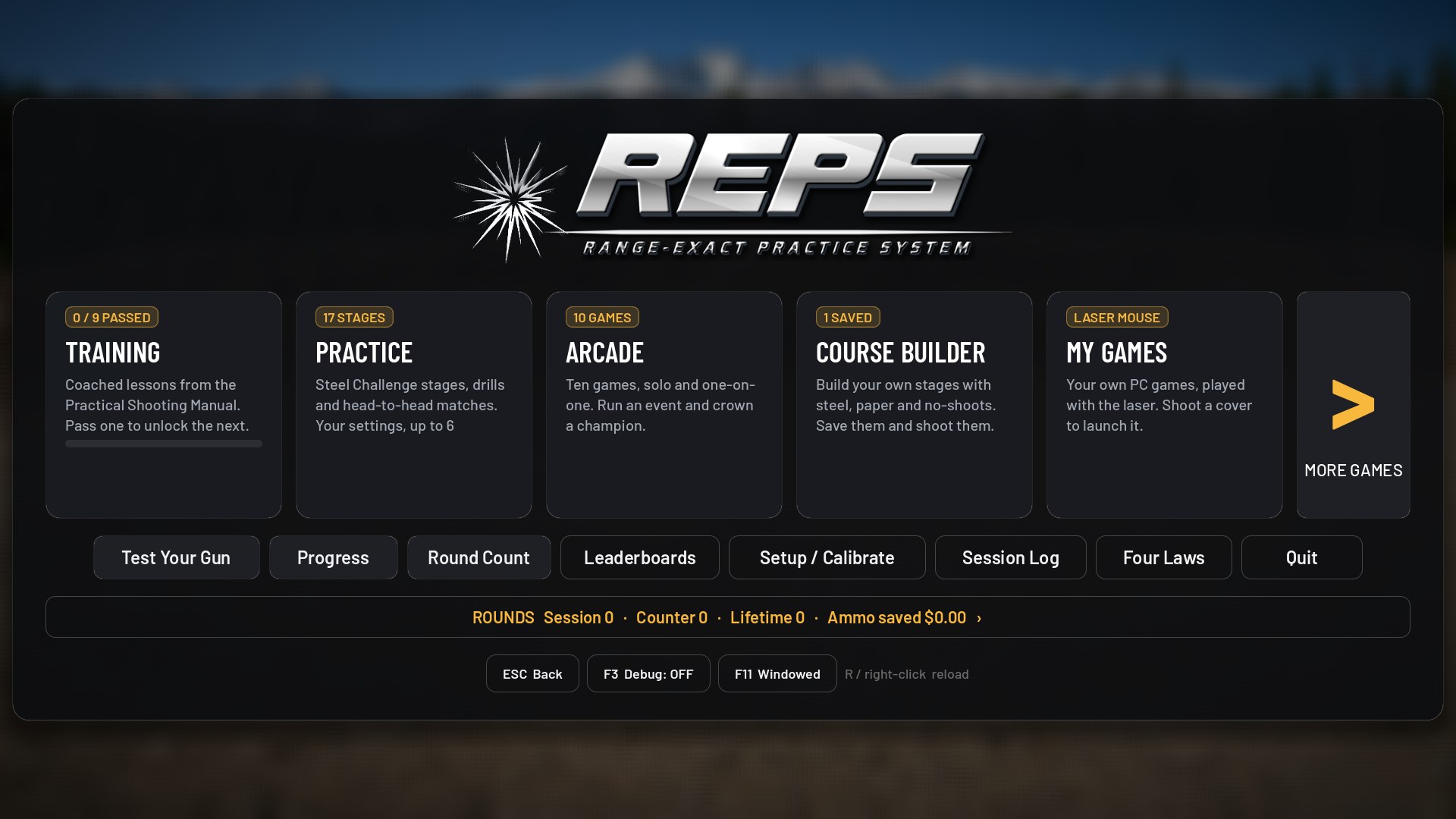
REPS draws every target at true size for your screen and viewing distance. Each settings screen has an ACTUAL SIZE ON YOUR SCREEN preview, and you can scale targets from 50% to 150% for harder or easier practice. Non-standard sizes get their own leaderboards so scores stay honest.
See the Camera & screen setup guide for camera distance and screen coverings.
Questions people ask
Why do my dry fire targets look too small?
You're probably standing farther back than the software assumes, or the screen size setting is wrong. Re-measure your viewing distance from your eyes and recheck the formula.
What viewing distance should I use for dry fire?
Far enough that the whole stage fits on screen and the targets are big enough to see clearly. Many home setups land between 8 and 12 feet. Then scale targets to that distance.
Does target scaling work on a projector?
Yes. Measure the projected image width (or diagonal) and use that as the screen size.
What's the formula for scaling a target on screen?
On-screen size = real size × viewing distance ÷ simulated distance, using the same units for both distances.
Sources
About the author
Matt Burkett, Founder of REPS
- 150+ state, national and world titles
- Author of the Practical Shooting Manual
- Expert on History Channel's Top Shot
- 20 years with virtual firearms simulation companies